 Kept
Kept
Know who said what.
Kept labels speakers on your Mac and puts the name on every transcript line. Wrong name? Correct it once and the meeting updates without reprocessing.
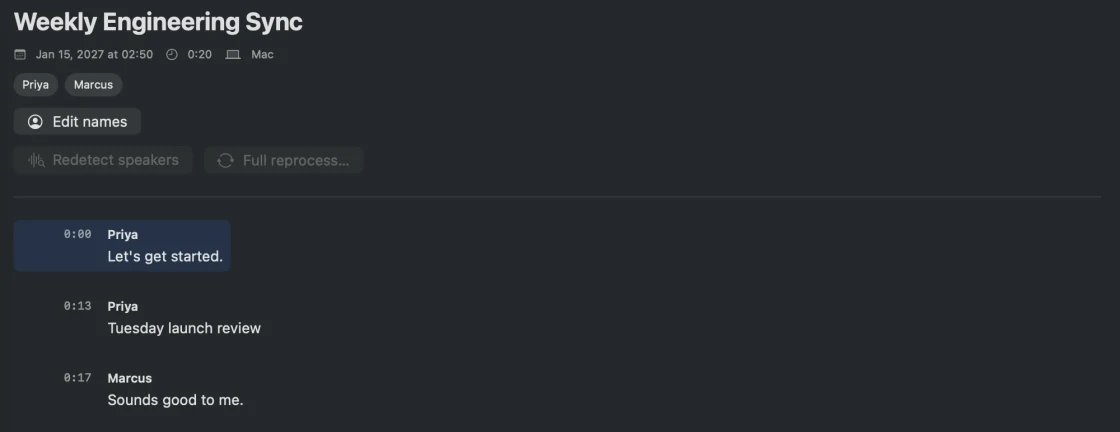
Private meeting notes for Mac
Kept records system audio and your microphone without inviting a bot. It names speakers on-device and saves the note, transcript, and audio directly to your Obsidian vault.
Download the trial See Kept in action
Free for 14 days, $59 once to keep it. Requires macOS 26.
Kept labels speakers on your Mac and puts the name on every transcript line. Wrong name? Correct it once and the meeting updates without reprocessing.
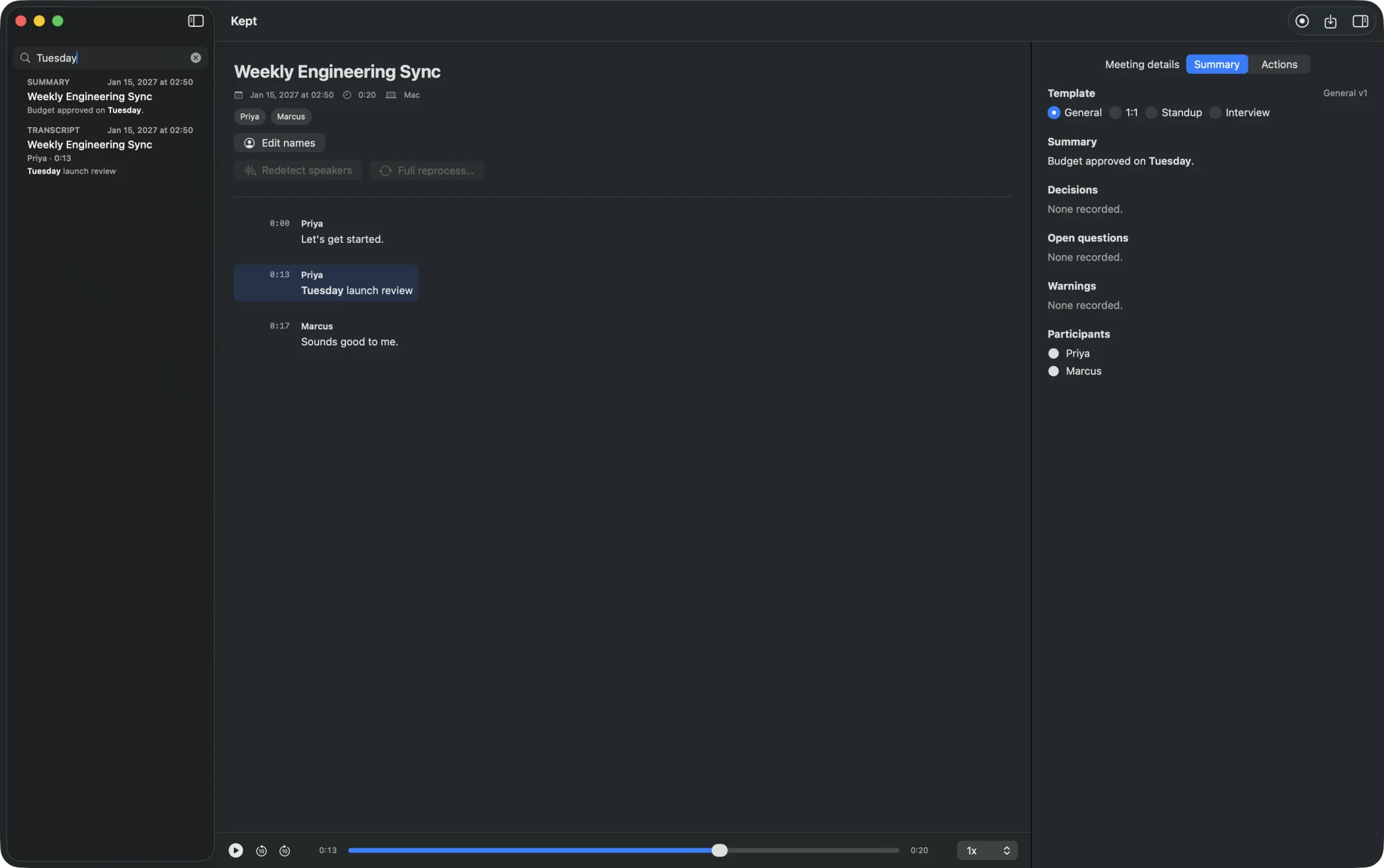
Search reaches titles, summaries, and every transcript line. Pick a transcript result and Kept seeks the audio to that exact turn, paused and ready to play.


Every action points to the transcript evidence that produced it. The quote is saved with the action in the meeting file, and selecting it in Kept opens the transcript at that line.
Follow up with the customer
“follow up with the customer next week”
The supporting quote, stored with the action and linked to its transcript turn.
Kept writes the note, transcript, audio, and manifest directly into the Obsidian vault you select. Plain Markdown beside a standard M4A. There is no export step and no app database to leave behind.
your vault / Meetings / Recording_Inbox / 2027-01
Kept writes into an Obsidian vault because Obsidian gets file ownership right. It is a free notes app that stores everything as plain Markdown on your disk, so your meetings land beside the rest of what you know and link into it.
Recording, transcription, and speaker labeling run on your Mac. The audio is written to your vault and nowhere else. Kept never uploads audio.
Turning a transcript into a note runs through the mode you choose:
$59
pay once
One license, updates included for the life of the license. Every download starts a free 14-day trial.
Kept is independent Mac software from MPIV, sold as a one-time license with direct support at michael@mpiv.ai.